
Website Rebuild for an Established Business: What It Has to Account For
Published Date:
12 Aug, 2026
Updated Date:
07 Sep, 2026
The site was built for an earlier version of the business. Your offers and operations have moved on, and now the website is holding them back.
You are thinking about a new website. It looks dated, it loads slowly, or adding your next offer means fighting the theme. It feels like a design problem.
It rarely is. Your website is where people buy, where they get into your course or membership, and where your emails and automations start. When it feels like it is holding you back, how it looks is usually the smallest part. What is strained is everything running underneath, built one offer at a time and never rethought for the business you run today.
A rebuild now sets the foundation your next few years will run on: what you sell, how your offers connect, who needs access, and what has to keep working while you launch. A site built for last year’s business hits the same wall within a year. The real question, before anyone talks templates, is what you need the system underneath to do.
Done right, the website stops being something you patch and becomes something that holds. It carries your brand at the level your reputation already sits at. The systems behind it are connected, they are yours, and someone is watching them. Your next launch runs on infrastructure built to expect it.
TL;DR
For a business that is already running, a website rebuild is an infrastructure decision before it is a design one. What limits you is rarely the page. It is the connected layer underneath: your offers, checkout, access, forms, CRM, automations, reporting, and the systems your team touches every day. Seven decisions have to be made about that layer before anyone opens a design file. Get them right and adding an offer becomes a task instead of a project, several people can run the site instead of one, and you get clear information every month to make decisions from.
Most of what is limiting you sits behind the page
The design is the part you can see. The strain is everywhere else.
Here is the pattern I see with established businesses. The founder looks at the homepage, decides it looks tired, and books a designer. Six weeks later there is a prettier site sitting on the same foundation, and within a few months the same problems come back.
That happens because the visible page and the working business are two different things. The page is what a visitor reads. The working business is what happens after they click: the checkout that takes the payment, the email that welcomes them, the login that lets them into the course, the tag that decides which sequence they get, the record that tells you next quarter which offer actually sold.
When people say their site is holding them back, that second layer is almost always where the trouble is. A design refresh does not touch it. It repaints the front and leaves the wiring exactly as it was.
None of this means the visual work is optional. For a business with a growing public profile it is often the reason the project gets funded, and it is genuinely part of the job. The order is what matters. Design decisions made on top of the right foundation last for years. The same decisions made on top of the old one look new for a season.
How an outgrown website becomes the ceiling
An outgrown site rarely fails all at once, and the case for a website rebuild is built out of the small ways it narrows the business rather than out of one clear failure. It narrows what you can do next, one decision at a time. Five patterns show up again and again.
1. Adding an offer turns into a project
You want to sell one more thing. It is not that the site refuses. People add offers to their sites all the time, and so will you. The cost is in the stitching.
Someone has to clone a page and remember which parts to change. Someone has to build the checkout in ThriveCart or SamCart, connect it to the right product, set the access rule, write the confirmation email, add the tag, wire the tag to the right sequence, and check that none of it collides with the offer that is already running. Sometimes that someone is a developer. More often it is your assistant or your operations person, working from a long list of instructions that only exists in their head, and it takes them four to eight hours spread across several days. If a section has to be added to a page, another hour goes into making it behave on mobile.
The work gets done. What it costs you is less visible: a week of your operations person’s attention, a launch date that moves, and a set of small errors that nobody catches until a customer does. When you need something up fast, the honest options are to wait or to accept something that looks improvised next to the rest of your brand.
2. The buying experience has seams
Someone pays, and then there is a pause before they get access, or a welcome email that does not fire, or a receipt that looks nothing like the rest of the brand.
Look at where those seams sit. The payment goes through ThriveCart. The access is granted by the membership tool on your WordPress site. The welcome email comes from ActiveCampaign. Three systems, two joins, and the pause your buyer felt happened in one of the joins. Each seam is small. Together they tell a buyer the business is less put together than it is.
3. Lead capture is the leakiest part of the whole system
The buying side gets attention because money is attached to it. The registration side rarely does, and it has more moving parts. Every lead magnet, webinar, quiz, and waitlist is a small integration project, and most of them were built once and never checked again.
- A lead capture form stops submitting for some visitors, and you find out because two people email to say they never got the download.
- The form works, but the confirmation email that goes out is the one from the previous campaign, with the previous offer in it.
- The thank-you page loads with details from the last webinar: wrong date, wrong time, wrong topic.
- The calendar invite is correct and the Zoom link is not, or the link is correct and the invite has the wrong time zone.
- The platform will not let you show the join link on the thank-you page, so it has to arrive by email, and nobody notices when that email stops sending.
- Or the reverse: the link displays on the thank-you page, and passing each registrant their own tracked link into the email turns out to be the hard part.
- Two systems each send a welcome message, one from the webinar platform carrying the join details and one from ActiveCampaign carrying the actual welcome, and the registrant gets both, neither, or the wrong order.
- The form gets a new field or slightly different wording for a test, and the new version was never mapped to the integration. Version A still reaches your CRM through a Zapier step nobody revisited. Version B collects addresses that go nowhere.
The last one is worth sitting with, because it is the most common and the least visible. The form works. The page converts. The data stops arriving with no signal at all, and every report you look at afterwards is wrong in the same direction.
4. Your team works around the site instead of through it
Simple changes route back to one person, because the setup is fragile and nobody else wants to touch it. Publishing a post, adding an event, swapping a lead magnet: each one has a sequence of steps that lives in one person’s memory. The site has become a bottleneck with a single owner, and the business has taken on a risk it never decided to take.
5. Launches expose everything at once
A launch does not break your systems. It arrives at the moment when everything that has slowly come out of alignment finally has consequences.
Nothing changed on your side. That is what makes it hard to see coming. Integrations get updated by the vendor, conditions written for one campaign stay live for the next one, and small decisions made under pressure never get cleaned up. Some of what I have watched happen during launch weeks:
- The registration platform or the CRM has an outage for a few hours. There is a status page nobody is watching and a notice email that landed in an inbox nobody checks. A batch of registrants ends up without access, and the first report comes from an annoyed customer two days later.
- A bonus gets added mid-launch for urgency. It works. It also changes the behavior of a sequence nobody re-tested, and it never gets removed.
- The date condition on that bonus was written as a range without a year. Twelve months later, everyone entering the same funnel between those dates gets a promise the business is not making any more.
- A rule reads “on or before June 15, send this, after that, send the other one.” The funnel is reactivated for the next launch and the rule is still there, sending the wrong message to a new audience.
- Text notifications stop going out because the Twilio balance did not auto-refill and nobody owns that account.
- Twilio sends a compliance question by email, nobody answers it, and the sending number is deactivated in the middle of the launch. It gets found days later, answered in five minutes, and restored. Someone watching the system would have caught it the same morning.
Read that list again and notice where the failures actually sit. Almost none of them are on the page. They are in the joins: between the form and the CRM, between the payment and the access grant, between a vendor’s notice and anyone on your team who needed to see it.
None of it is a criticism of the tools. WordPress, ActiveCampaign, Twilio, Zoom, Zapier, Make.com, ThriveCart, SamCart, GoHighLevel: they are all capable, they are all in use across businesses that are doing very well, and TDN works in all of them. Every failure above happened in the space between two of them, which is the one place no vendor’s responsibility reaches.
None of it is dramatic enough to force a decision on its own, which is why it gets carried for years. What it adds up to is a business that has to think twice before doing ordinary things.
What you are actually deciding when you rebuild
A visitor sees a website. What your business runs on is a set of connected systems with the website sitting on top of them.
“ The website is the visible surface of the system that sells your offers, delivers access, records who bought what, and tells you what happened. Rebuild the surface and the system underneath stays exactly as it was. "
Pol Cousineau, Founder and CEO, The Digital Navigator
That is the whole reframe, and it is worth being direct about why it matters commercially rather than philosophically.
Everything in the previous section costs the business something specific. Hours of your operations person’s week. A launch date that moved. Registrants who paid attention once and did not come back. Reporting you cannot trust well enough to make a decision from. Those costs do not come from the design of the page. They come from digital infrastructure that was assembled one tool at a time, each addition sensible on its own, with nobody responsible for the whole.
So a website rebuild for a business at your stage is a decision about that layer. The pages are the part you will look at. The layer underneath is the part that decides what your business can attempt next year, how many people can run it, and how much of your own attention it takes.
This is a different conversation from the one most rebuild projects start with, and it is the one worth having first. It also changes who should be in the room. Layout, type, and photography are real decisions with real value. They are the second half of the work.
Seven decisions a website rebuild has to make before design starts
Rebuilding for an established business is a different job from building a first site. You are not starting from a blank page. You are moving a running business onto a better foundation without dropping anything on the way.
Seven decisions do most of the work. All of them get made whether or not anyone says them out loud, which is the argument for saying them out loud.
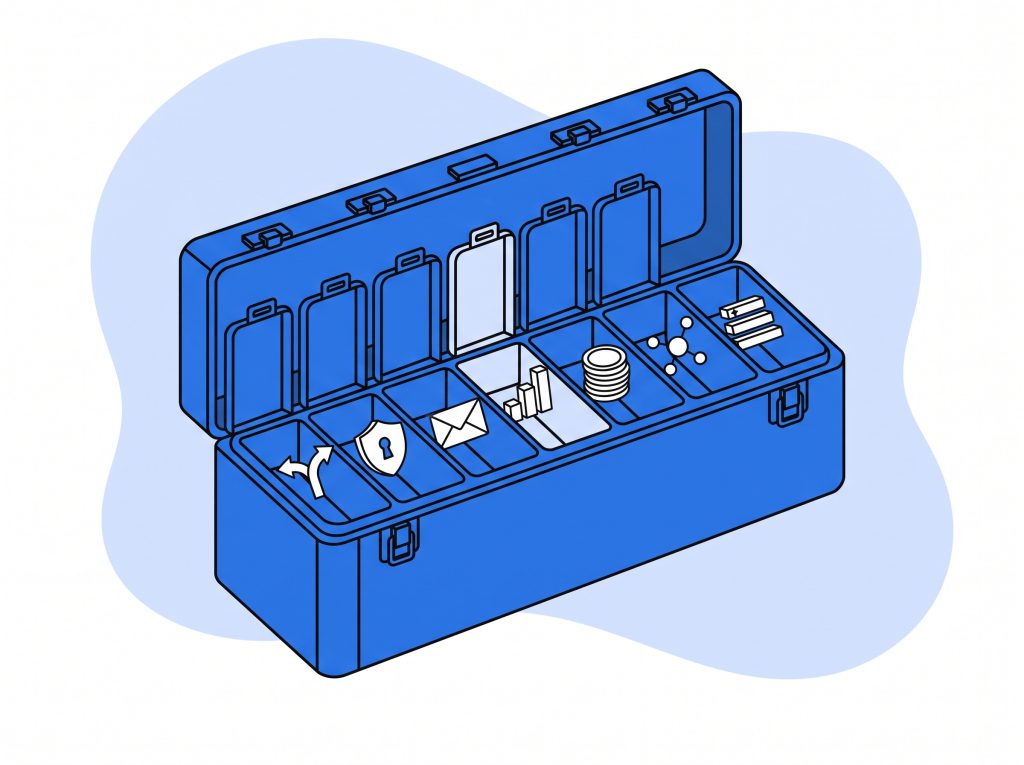
1. Where the business is going, not only where it is
This is the decision that gets skipped most often, and skipping it is what produces another rebuild in two years.
Start qualitatively, before any technical conversation. What does the business want to be doing in twelve to twenty-four months, and in three to five years? If technology were not a constraint, what would you launch, sell, or run differently? Most founders answer that question well when someone asks it properly, and most rebuild projects never ask.
Once there is a picture, it maps to technical requirements. Then the requirements get sorted: what has to exist at launch, and what only has to be possible later. That sorting is the part with money attached. When the structure is designed knowing the later capability is coming, adding it is scoped as an extension. When nothing was designed for it, the same capability arrives as a structural change, which is a different size of project. This is decided at architecture time and it is very difficult to retrofit, which is why it belongs in the first conversation rather than the third.
It is also the reason the more involved builds run on a content platform your team edits directly rather than on a theme that has to be worked around. The point is room to grow, so that adding a new content type, a new offer structure, or a new part of the business is an extension rather than a fresh start. Which platform that turns out to be is a decision for the scoping conversation, and it comes after this one, not before it.
2. Your offers, and how they connect
Not just what you sell today, but how many, how they relate, and what you are likely to add. A membership site that feeds a course, which leads to a high-ticket program, needs those connections built in rather than bolted on later.
The same applies to the mechanics you already use and the ones you will want: payment plans, limited-time pricing, bundles, order bumps, renewals, upgrades between tiers, and group or team purchases. Each is straightforward when the structure expects it and awkward when it does not.
3. Everything already connected to the site, mapped to purpose
Before anyone proposes an architecture, make an inventory. Every tool, platform, integration, connector, and script currently attached to your business. Then, next to each one, the purpose it serves.
Now set the tools aside and read the list of purposes on its own. That list is the actual requirement. Working from it produces a clean answer to how the business should be put together. Working from the tool list instead produces a plan for preserving the tools, which is how a rebuild ends up as a more expensive version of the same patched arrangement: more fragile, more expensive to run, and harder to change.
Some tools will survive the exercise, and that is fine. The point is that they earn their place by purpose rather than by being already installed.
4. What the team touches every day, and how many people can do it
The parts your people work in most should be the parts a rebuild makes easier. There are two tests for whether it has.
The first is redundancy. If publishing a post, adding an event, or launching an offer still needs one specific person, the rebuild has not done its job. Several people on the team should be able to pick up a routine task, and someone with basic familiarity should be able to look at how it was done last time and repeat it correctly.
The second is time and error surface. If putting up a landing page with a lead magnet and its follow-up currently takes four to sixteen hours across several people, and the rebuilt process puts the same job at thirty to ninety minutes with fewer places to get it wrong, that difference is measurable, it repeats every month, and it compounds. Designing for it is a deliberate decision that has to be made early. It does not appear on its own.
5. Access, roles, and who can change what
Who needs to get into what, and who on your team can change which parts. A rebuild is the moment to decide this on purpose instead of inheriting whatever the old setup happened to allow, which is usually either too much access for everyone or all of it concentrated in one login.
6. What has to keep running while you rebuild
Your current business does not pause for the project. Sales, renewals, onboarding, and any launch inside the window have to keep working through the transition. That constraint shapes the sequence of the whole build, and it is better named at the start than discovered in week six.
7. Ownership and portability
The accounts, the code, the data, and the infrastructure should be yours. If a rebuild leaves you unable to move without permission from whoever built it, you have traded one ceiling for another. Ask the question early and get the answer in writing.
Those seven decisions are the actual brief. The visual design sits on top of them, and it is the easier half of the work.
If you are trying to work out which of the seven are already a problem in your setup, that is what a scoping call covers.
Three ways a rebuild ends up back at the same wall
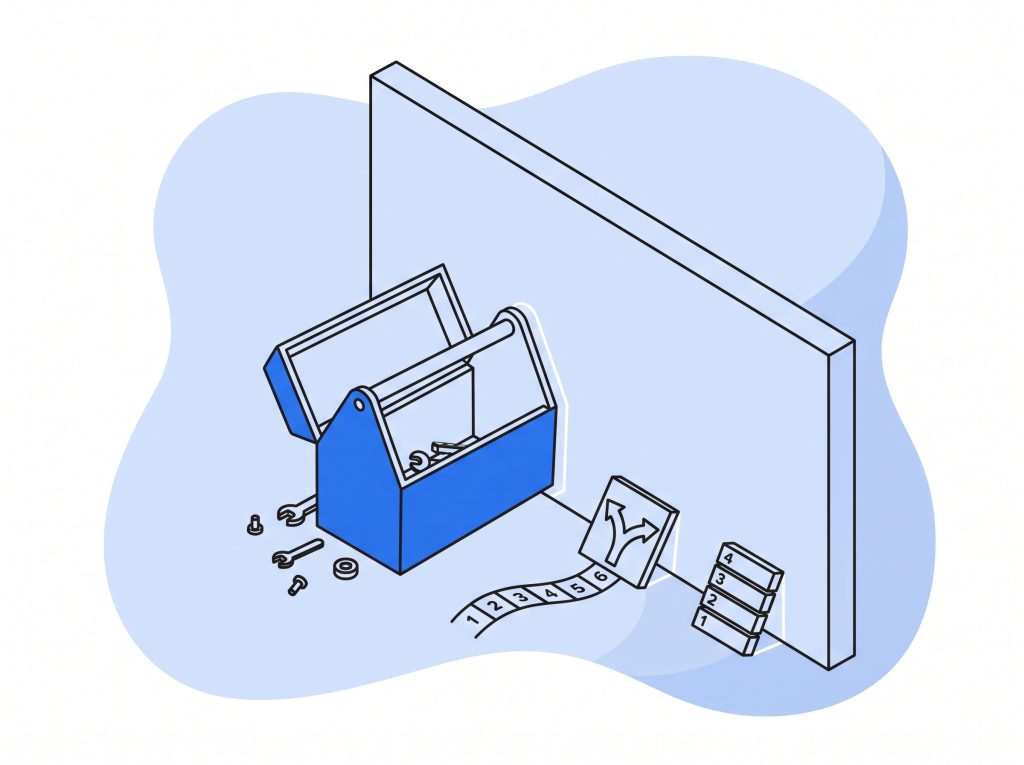
The scope stops at the pages
Most rebuild scopes cover pages, navigation, and visual identity. The layer that produced the friction in the first place never enters the conversation: the marketing automation behind your sequences, the CRM and how records get into it, your publishing workflow, and the real operational cost of the routine things your business does.
That last one is worth listing plainly, because these are the jobs that fill your team’s calendar:
- launching a new lead magnet
- putting up a new sales page
- adding a payment plan to an existing offer
- running a limited-time offer
- building a new funnel end to end
- running a quiz that feeds a webinar with dates that change every cycle
If the rebuild does not change what those cost, it has changed how the business looks and not what it can do.
The platform gets chosen before the requirements
The website platform is often decided before anyone has written down what the business needs. It gets picked because a template looked good in a demo, or because the last site was WordPress and WordPress is the most familiar thing in the room. The same thing happens in the other direction, when a business consolidates into an all-in-one platform like GoHighLevel because one login sounds simpler than five, without first checking whether it does the specific things this business needs it to do. Then the requirements arrive and the business gets bent to fit the tool.
Running it the other way costs nothing extra and changes the outcome. Establish what the system has to do, then choose the platform that serves it. Familiarity is a legitimate factor in that decision. It is a poor reason to skip the decision.
The result still depends on one person
Page builders are genuinely capable, and for a while they carry a growing business well. The ceiling arrives when the business gets complex enough that the tool becomes the limit, and whoever has been holding it together is the only person who understands it. Usually there is a Zapier or Make.com account somewhere in the picture with several dozen automations in it that one person built and only that person can read. That person might be your operations lead. It might be you.
A better tool does not solve that. A structure that several people can operate does, and it has to be an explicit goal of the rebuild, because no build produces it by accident.
What it looks like when the foundation holds
You get clear information every month, without going to look for it
You know what your traffic did, which pages and funnels converted, which offers sold, and what changed since last month. It arrives in a form you can read in a few minutes and make a decision from, rather than living across four dashboards that nobody reconciles.
That is only possible when the tracking and the CRM integration were designed together with the site rather than added afterwards. When they were, the numbers agree with each other. When they were not, every question takes a week and the answer is still uncertain.
The connections carry the routine work
This is where the compounding happens, and it is the part most rebuild conversations leave out entirely.
Sales transactions land in your accounting system without anyone retyping them. Expenses, invoices, and receipts get captured and filed, or handed to your bookkeeper in the form they actually want. The path from the sale to the CRM record to the access grant is short and direct, rather than a chain of Zapier or Make.com steps that nobody looks at until one of them fails silently.
Fewer moving parts means fewer failure points, and the ones that remain are ones you chose. The time saved is measurable, it recurs every week, and it shows up as your team doing the work you hired them for.
The brand holds together everywhere
A stable design system means your pages, checkout, emails, receipts, member area, and course pages look like they came from the same business. For a founder whose public profile is growing faster than their infrastructure, closing that gap is not a vanity point. It is the difference between a first impression that matches your reputation and one that undersells it.
It also makes the work faster. When there is a defined set of components, a new page is an assembly job rather than a design project.
The people running it can find things
Someone on your team needs to add an event, edit it, or take it down. They know where to do that, it is obvious when they get there, and it behaves the way the last one did.
The same holds for referencing one thing from another: attaching a registration form to an event, connecting a lead magnet to a segment, setting up a webinar that segments registrants by which offer they came from. Your team can do these without asking whether it is safe to try, because the structure is consistent and it does what it looks like it does.
Adding something is a task, not a project
A new offer, a new landing page, a new funnel: a normal piece of work with a predictable shape, done by whoever is available, in a session rather than a week. Launches stop being an event you brace for, because launch reliability was designed in rather than hoped for. Your foundation expects the traffic and expects the mistakes.
Someone is accountable for the whole of it
The last one is the one that makes the others durable. A website rebuild sets a good foundation. What keeps it good is that someone is actively watching the connected system: the automations, the integrations, the forms, the payments, and the vendor notices that arrive without warning.
When something does break, it gets found and fixed, and your team does not have to notice it, report it, or chase it. That is the operational layer, and it is what TDN does after the build as much as during it. A course creator or membership operator running a business of real size is running digital infrastructure whether or not anyone has named it that way. The question is only whether it has an owner.
Where to start
If your site has become the thing your business is working around, the useful first step is not a design brief. It is a clear look at what you are running now, what the next few years need it to do, and where the gaps are between the two.
That is what a scoping call is for. We go through your offers, the systems connected to them, and where the current foundation is limiting you, and you leave with a straight read on what a website rebuild would need to account for in your case. If the answer is that you do not need one yet, that is a useful thing to know too.
No commitment. We tell you what we would do and where we would start.
Questions that come up before a rebuild
Could we refresh the design now and do the deeper work later?
Sometimes, and it depends on what is actually costing you. If the visual work is blocking something specific, a book launch, a media cycle, a partnership, doing it first can be the right call. Go in knowing that the operational problems will still be there afterwards, and that some visual decisions will need revisiting once the structure changes. What does not work is a refresh sold as a solution to problems that live underneath it.
Do we have to change platforms?
Not necessarily. The inventory and the purpose mapping in decision three answer that, and sometimes the answer is that what you have is fine and the way it is connected is the problem. The point is that the platform choice follows the requirements rather than leading them.
How long does a rebuild take when the business is already running?
It depends on how many offers, systems, and content types are in scope, and on what has to keep running through the transition. The honest answer comes out of scoping rather than from a range in an article. What is predictable is that the discovery and decision work at the front is where the schedule gets protected or lost.
What if the budget only covers part of what we need?
That is common and it is workable, as long as the sequence is deliberate. Build the structure knowing the later pieces are coming, then add them when the budget is there and scope them as extensions. What makes that expensive is deciding the later pieces do not exist, because then they arrive as a structural change instead.
Who owns the result?
You do. The code, the data, the accounts, and the infrastructure are yours, and the work is portable. That should be true of any build you commission, and it is worth confirming before you sign anything.
If any of these questions is the one actually holding the decision, it is a better conversation than an article. That is what the scoping call is for.









0 Comments